Business & Tech Essentials

Microsoft SharePoint Deserialization Vulnerabilities: What Organizations Need to Know
Microsoft SharePoint is one of the most widely used collaboration platforms for storing documents, managing internal content, and supporting business workflows. Because of its central role, any security vulnerability can have a significant impact on an organization.
Recently, the Cybersecurity and Infrastructure Security Agency (CISA) added a Microsoft SharePoint Server vulnerability to its Known Exploited Vulnerabilities (KEV) Catalog after confirming active exploitation in the wild.
If your organization relies on on-premises SharePoint Server, this is the right time to review your environment. Our SharePoint Consulting Services help organizations assess vulnerabilities, apply security updates, and strengthen SharePoint environments before attackers can exploit them.
What Is the SharePoint Deserialization Vulnerability?
The vulnerability exists because SharePoint may process untrusted serialized data without sufficient validation.
An attacker can exploit this weakness to execute malicious code directly on the SharePoint server, potentially gaining access to sensitive business data and connected systems.
Unlike many security flaws that require user interaction, these vulnerabilities can be exploited remotely under certain conditions.
Why Did CISA Issue an Urgent Alert?
This vulnerability is receiving significant attention because it is actively being exploited in real-world attacks.
CISA added CVE-2026-45659 to its Known Exploited Vulnerabilities (KEV) Catalog after confirming active exploitation and required U.S. federal agencies to apply vendor-recommended mitigations within a short remediation timeframe.
For businesses, inclusion in the KEV Catalog is an important signal that this vulnerability should be treated as an urgent security priority rather than a routine software update.
Which Vulnerabilities Are Being Exploited?
Microsoft has addressed two major vulnerabilities that organizations should be aware of.
|
Vulnerability |
Severity |
Authentication Required |
Risk |
|
CVE-2026-20963 |
Critical (CVSS 9.8) |
No |
Remote Code Execution |
|
CVE-2026-45659 |
High (CVSS 8.8) |
Low-privileged user |
Remote Code Execution |
Both vulnerabilities have been observed in real-world attacks, which is why CISA classified them as actively exploited.
Vulnerability Severity
|
CVE |
CVSS Score |
Risk Level |
|
CVE-2026-20963 |
9.8 |
Critical |
|
CVE-2026-45659 |
8.8 |
High |
These scores indicate that both vulnerabilities require immediate attention, especially for internet-facing SharePoint deployments.
Which SharePoint Versions Are Affected?
These vulnerabilities affect on-premises SharePoint Server deployments, including:
- SharePoint Server Subscription Edition
- SharePoint Server 2019
- SharePoint Server 2016
Microsoft 365 SharePoint Online is not affected, as Microsoft manages its security updates automatically.
Why Is This Vulnerability So Serious?
SharePoint often stores:
- Business documents
- Financial records
- Internal policies
- HR files
- Customer information
- Project documentation
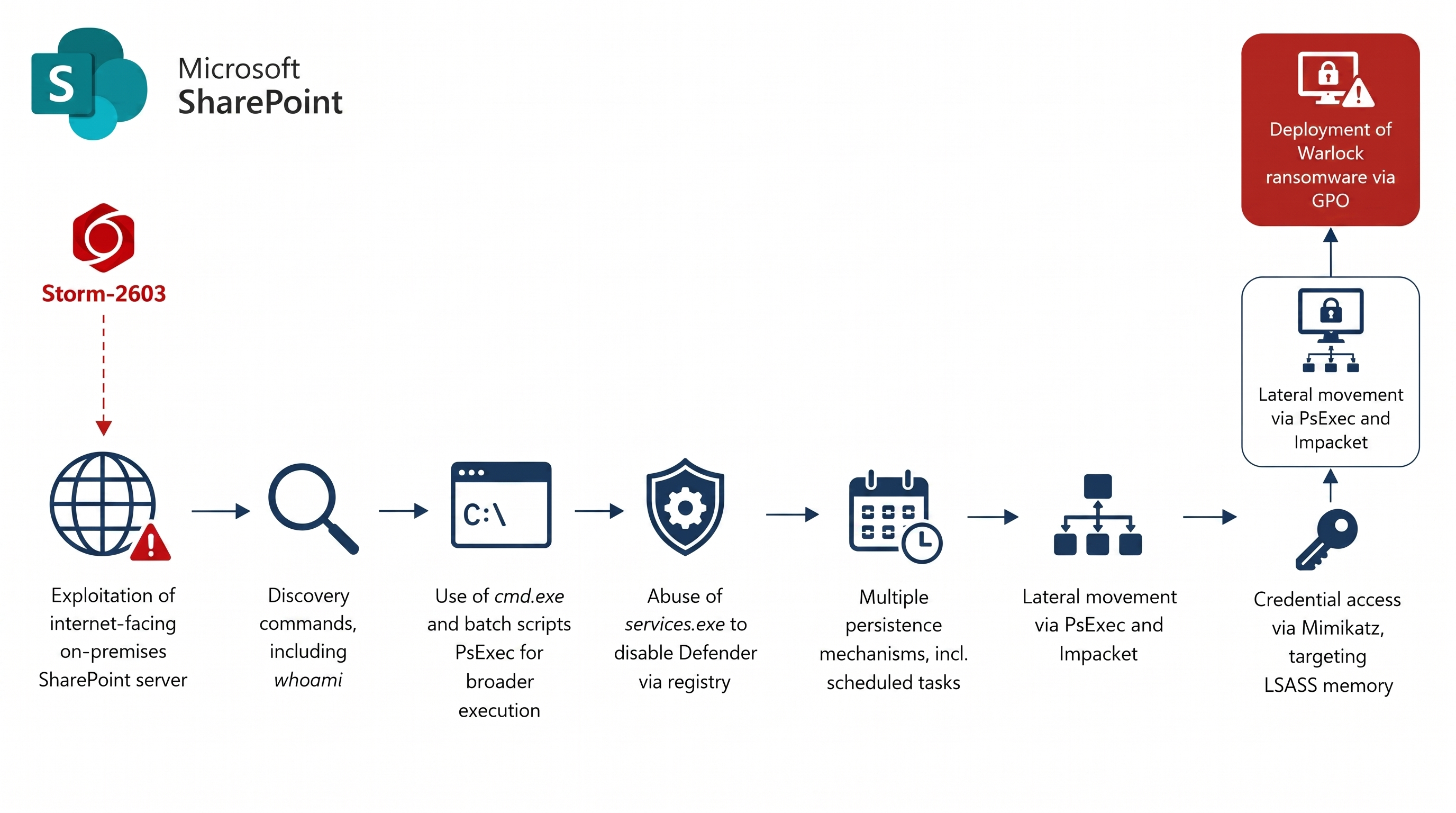
If attackers gain control of the SharePoint server, they may be able to:
- Execute malicious code
- Access confidential documents
- Deploy ransomware
- Steal credentials
- Move laterally across the network
- Maintain long-term access to the environment
For organizations using SharePoint as a central collaboration platform, the potential business impact can be significant.
Timeline of the Security Advisory
|
Date |
Event |
|
January 2026 |
Microsoft released a security update for CVE-2026-20963 |
|
March 2026 |
CISA added CVE-2026-20963 to the KEV Catalog |
|
May 2026 |
Microsoft patched CVE-2026-45659 |
|
July 2026 |
CISA confirmed active exploitation and added CVE-2026-45659 to the KEV Catalog |
This timeline highlights how quickly attackers begin targeting newly discovered vulnerabilities.
Microsoft's Security Recommendations
Microsoft recommends that organizations using supported SharePoint Server versions should:
- Install the latest security updates immediately.
- Run the SharePoint Products Configuration Wizard after installing updates.
- Verify that every server in the SharePoint farm has been successfully updated.
- Continue monitoring Microsoft's Security Update Guide for future security releases.
Applying updates promptly is the most effective way to reduce the risk of exploitation.
How to Protect Your SharePoint Environment
Organizations should respond as quickly as possible.
1. Install the Latest Security Updates
Update every supported SharePoint Server with Microsoft's latest security patches.
2. Limit Internet Exposure
If possible:
- Restrict direct internet access
- Use VPN access
- Place SharePoint behind a firewall or Web Application Firewall (WAF)
3. Review User Permissions
Check that users only have the permissions required for their role.
Removing unnecessary privileges reduces the potential impact of an attack.
4. Monitor for Suspicious Activity
Watch for:
- Unexpected PowerShell execution
- Unknown ASPX files
- Large POST requests
- Unusual IIS activity
- Unexpected administrator actions
Early detection can significantly reduce the impact of an attack.
5. Rotate Sensitive Credentials
After applying security updates, consider rotating:
- Service account passwords
- Machine keys
- Administrative credentials
- Other sensitive secrets
This helps prevent attackers from maintaining persistence if they previously gained access.
Quick Security Checklist
Before considering your SharePoint environment secure, confirm that you have completed the following:
- Install the latest SharePoint security updates
- Restrict public access to SharePoint
- Review administrator accounts
- Monitor server and IIS logs
- Rotate sensitive credentials
- Conduct a security assessment
Final Thoughts
Security vulnerabilities like CVE-2026-20963 and CVE-2026-45659 show why maintaining an on-premises SharePoint environment requires continuous attention. Since these vulnerabilities are being actively exploited, delaying security updates can expose critical business data and services to unnecessary risk.
Keeping SharePoint patched, monitoring for suspicious activity, and following security best practices are essential steps to maintaining a secure collaboration environment.
Ready to strengthen your SharePoint security but not sure where to start? Get in touch with us today for a quick chat about how we can help protect your data.
Disclaimer: All logos, trademarks, and brand names used in this document are the property of their respective owners. Their use here is for identification purposes only and does not imply endorsement.
Recent News
How to Assign Workspace Roles and Permissions in Power BI Service
25-08-2026
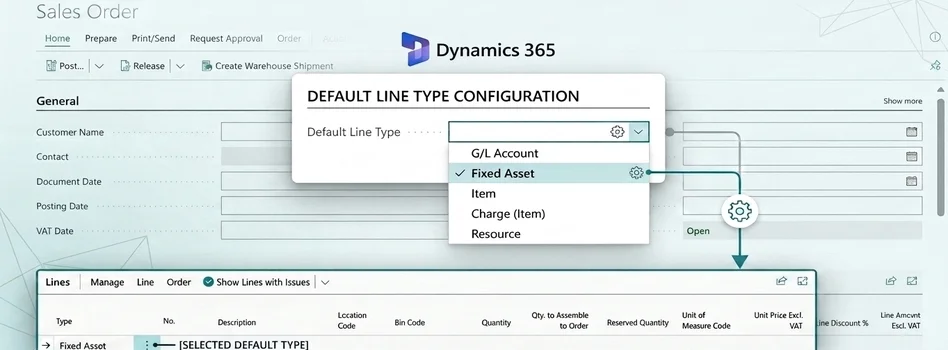
How to Set Default Document Line Types in Dynamics 365 Business Central
25-08-2026
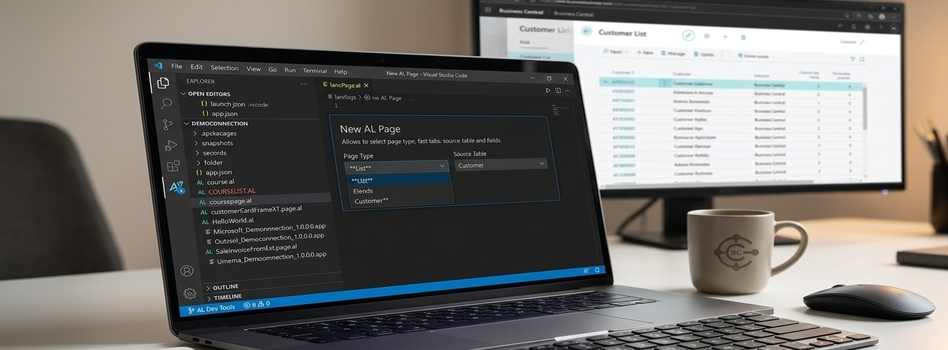
How to Create a List Page in Business Central Using AZ AL Dev Tools
19-08-2026

How to Connect Azure SQL Database to Power BI Desktop
19-08-2026

How to Do Predictive Analysis in Power BI Desktop
07-08-2026

How to Navigate Department Documents in SharePoint
07-08-2026
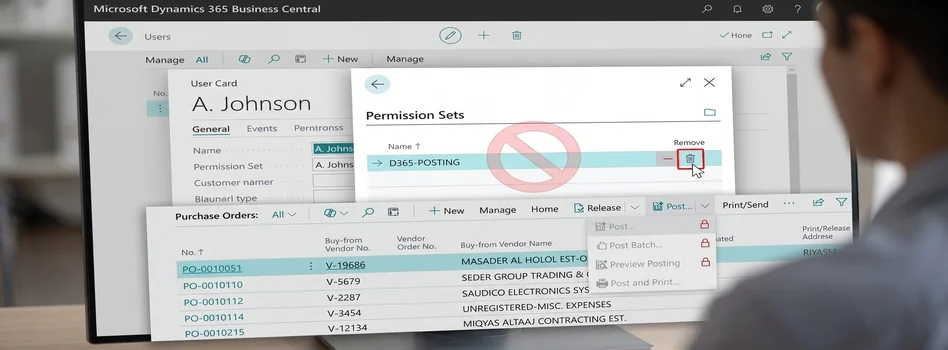
How to Remove or Hide Posting Rights for Users in Dynamics 365 Business Central
07-08-2026

Power BI Mobile Application Features and Usage Guide
27-07-2026

ZATCA E-Invoicing Phase 2 Integration Explained
27-07-2026

Saudi Arabia's NCA Cybersecurity Guidelines
27-07-2026

Your choice regarding cookies on this site
Policy, By Continuing, You are agreeing to Our Terms of Use and Consenting to the above.
Privacy Policy Powered By |